Canva: AI Photo & Video Editor
Canva
Downloads
500,000,000+
Version
Latest
Advertisement
Click to download now, finish the installation quickly, and directly unlock the all-round experience
Advertisement
Screenshots

Click to download now, finish the installation quickly, and directly unlock the all-round experience
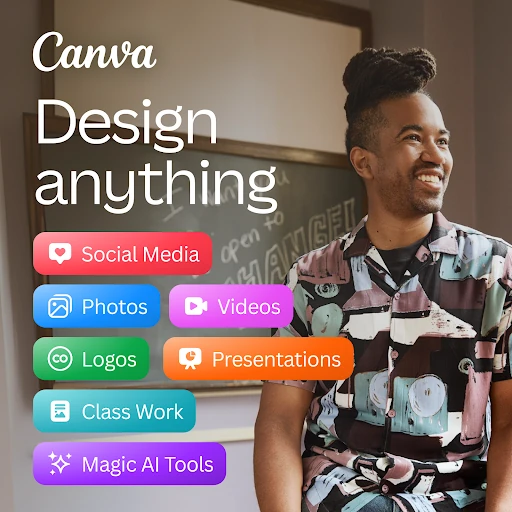
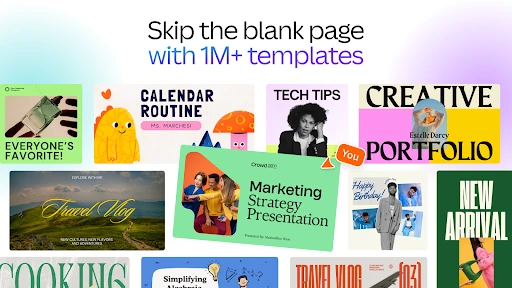
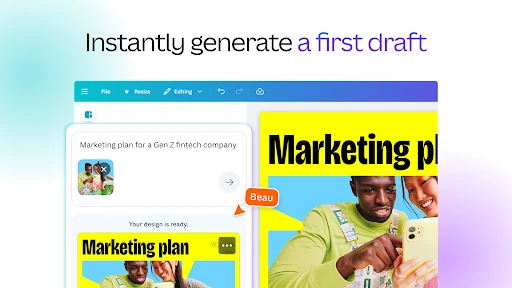
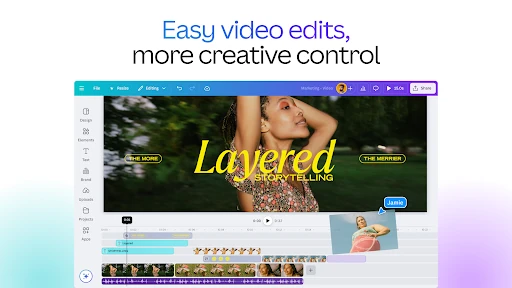
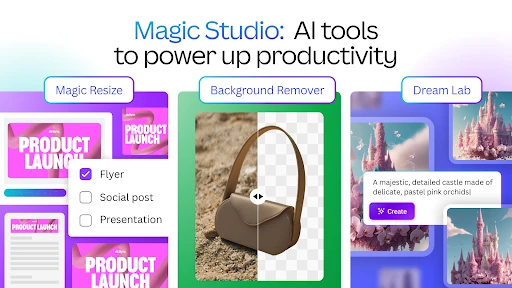
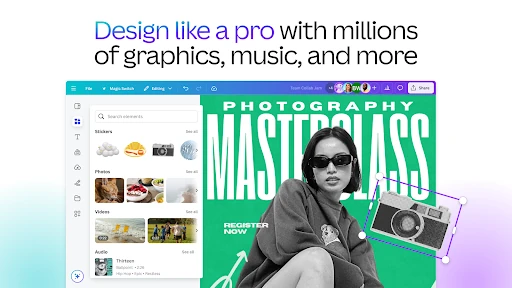
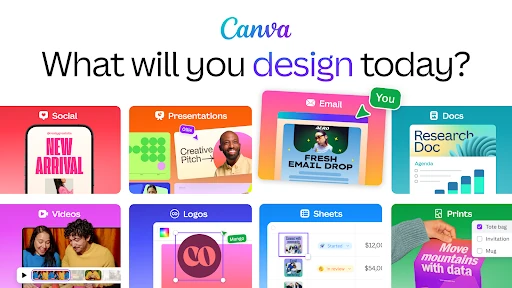
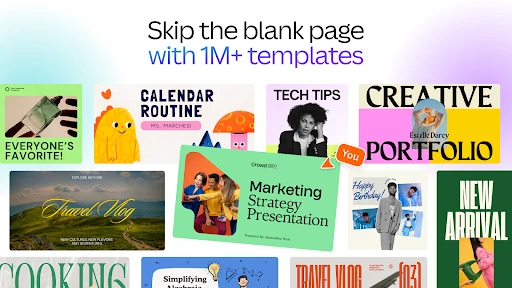
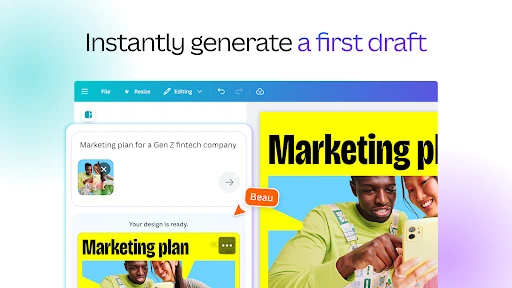
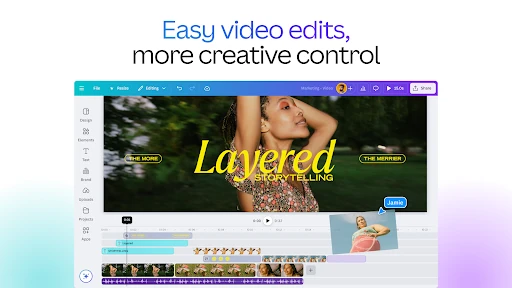
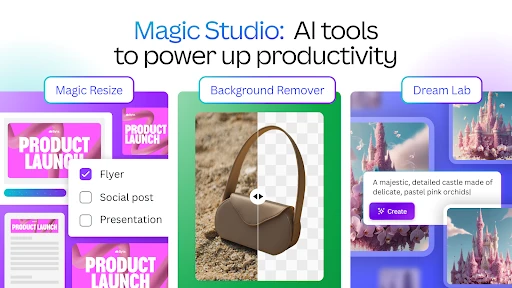
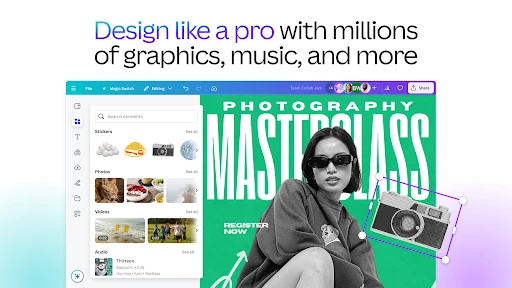
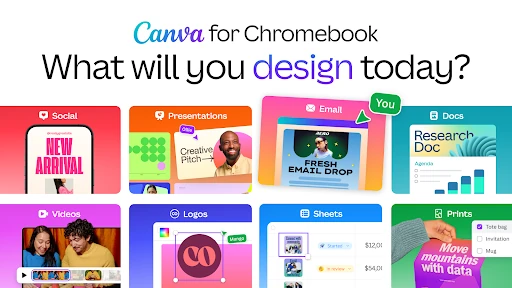
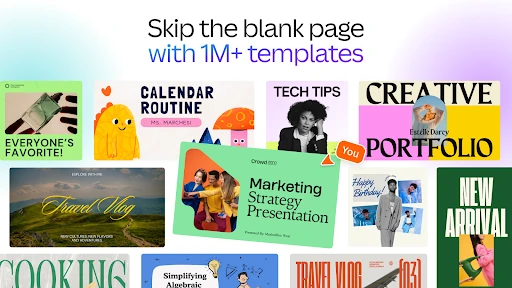
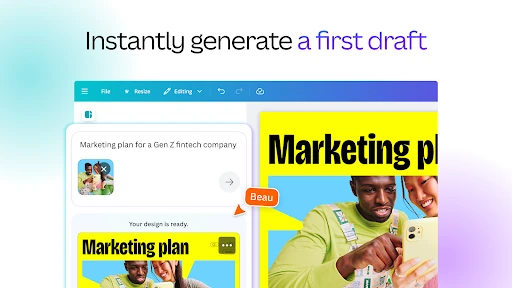
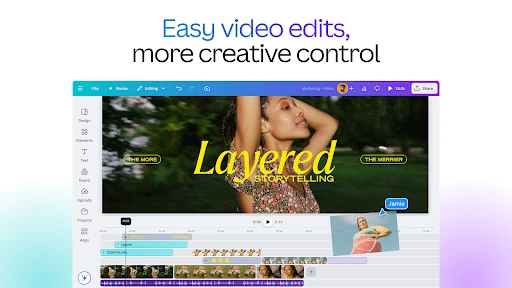
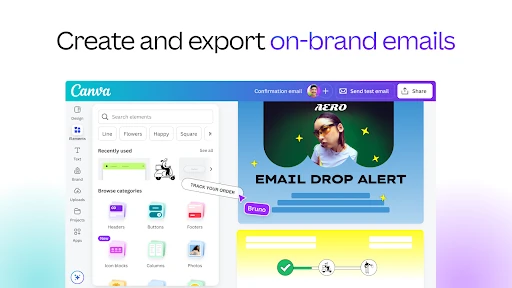
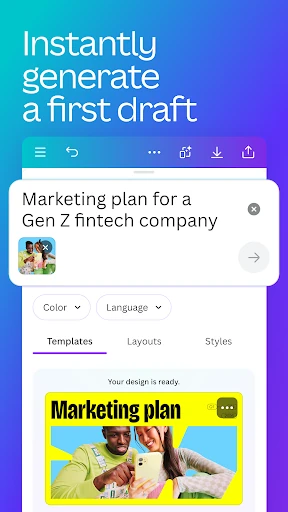
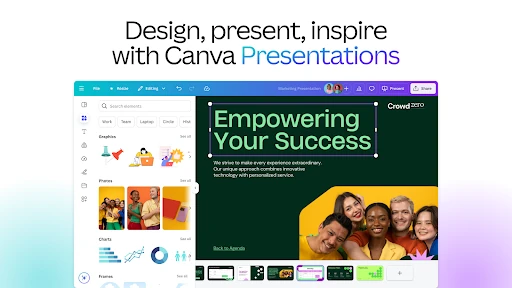
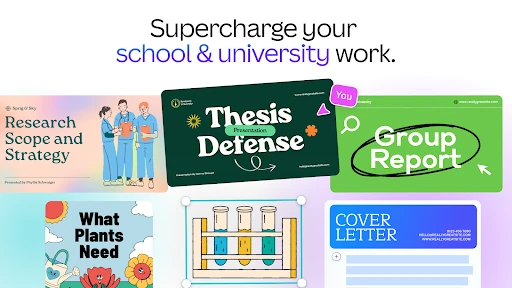
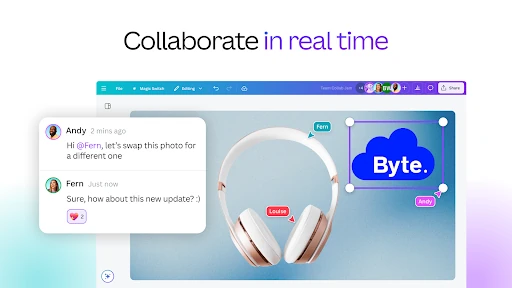
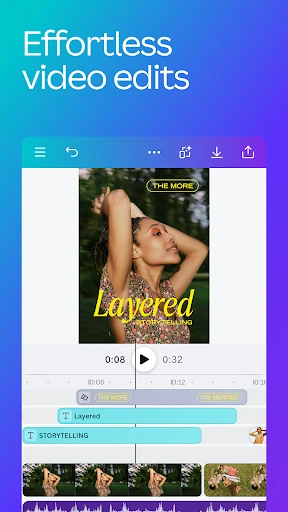
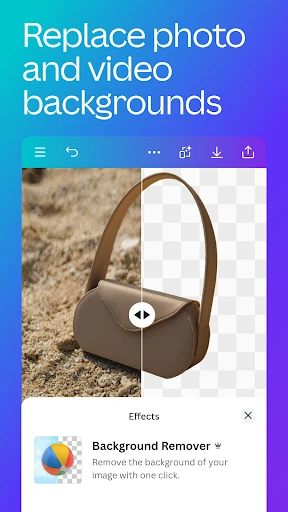
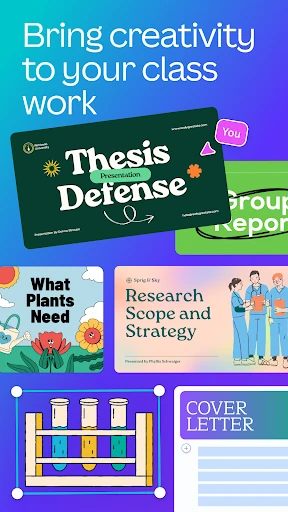
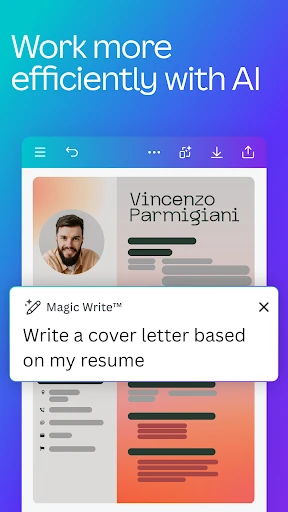
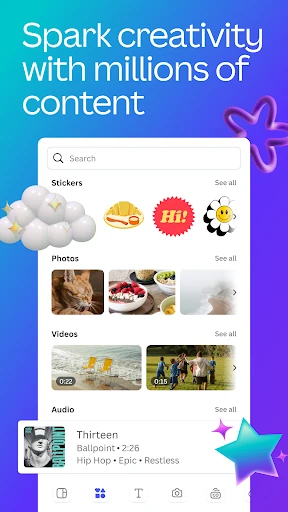
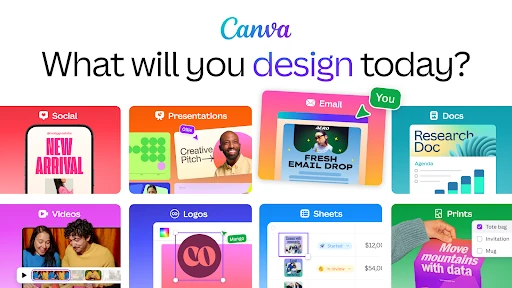
Canva: AI Photo & Video Editor is a mobile design app for creating social posts, presentations, flyers, videos, invitations and other visual content. It combines ready-made templates with photo editing, video tools and AI-assisted features, so it suits people who want polished results without starting every project from a blank canvas.
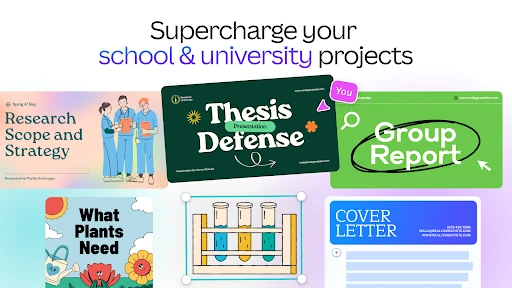
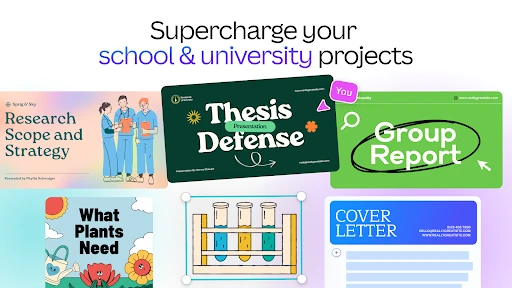
Canva is a good fit for students, small businesses, content creators and anyone making graphics for personal events or social media. The template-led workflow is approachable for beginners, while the range of layouts and editing controls gives regular users room to build more consistent designs. It is less focused on detailed, from-scratch image manipulation than a specialist editor.
The broad feature set can feel busy if you only need a simple crop or filter. Larger photo and video projects may also demand more from a phone than quick social graphics. Some of the more advanced tools and content may depend on the account plan or availability in your region, so the full range is not necessarily equal for every user.
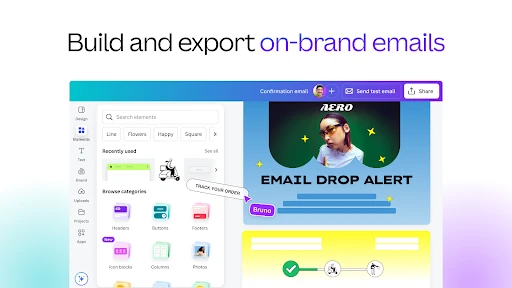
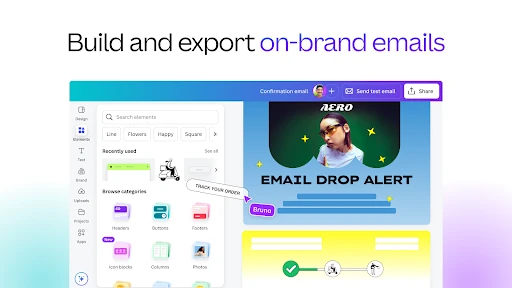
Developed by Canva, the app sits in Art & Design and has a 4.8/5 rating from more than 24 million reviews. With 500 million-plus installs, it is best understood as a general-purpose visual creation tool: convenient for fast, template-based work, with extra depth for users who want to edit photos, assemble videos and produce branded content in one place.